Speak and send message to MQTT Server
- After speaking, text data will be sent to your server through MQTT protocol.
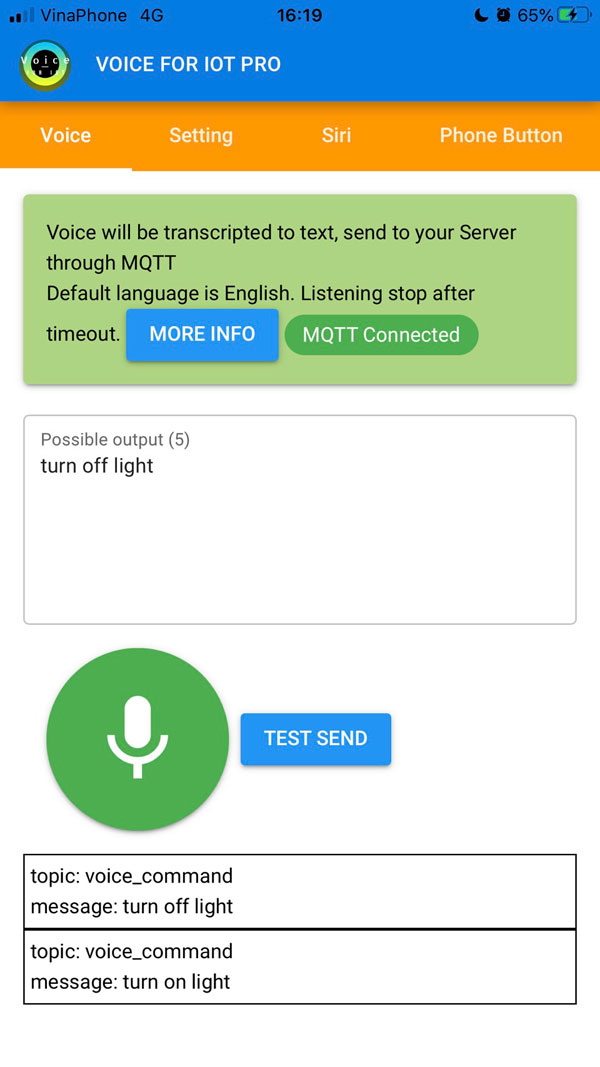
- To do this, first you need go to Setting, choose MQTT protocol to setup your server
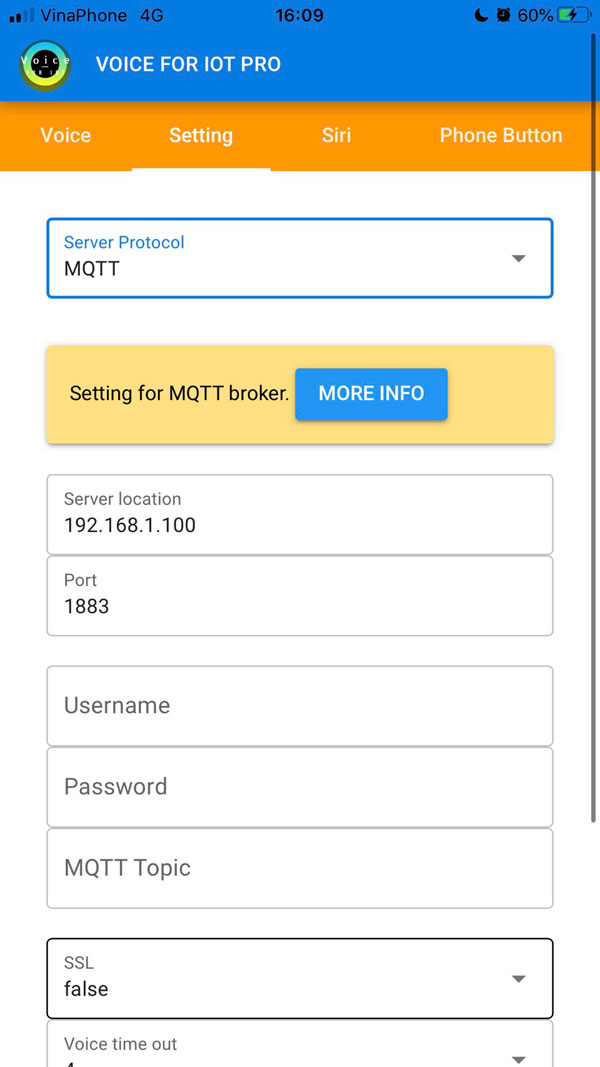
- Server location: IP or domain name of your server, eg: 192.168.1.22
- Port: default 1883
- Username and Password for server: Put it here
- MQTT Topic: Topic that command will be sent to, eg: voice_command